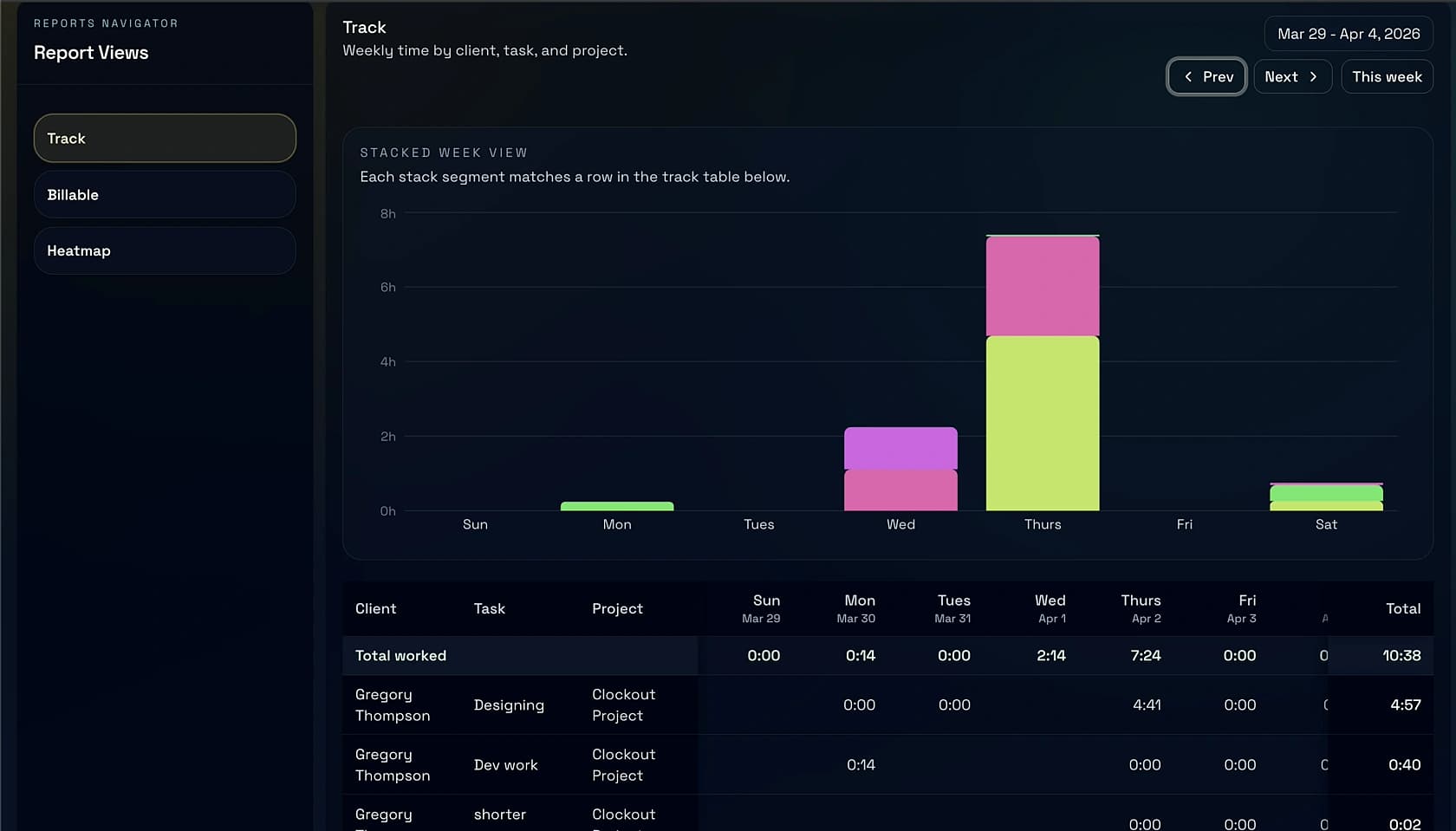
One record carries the work from timer to invoice to paid. Built for freelancers, consultants, and small teams who'd rather be doing the work than chasing it.
Live work becomes the recordReviewed sessions draft the billReminders stop when paid
Everything on one record
Timer → invoice, without retyping.
Most trackers stop at the stopwatch. Clockout carries the session through review, into a draft invoice, through Stripe, and back to you when it’s paid — so billing day takes ten minutes, not a Sunday.
Invoices that write themselves.
Reviewed sessions roll into a draft with rates, notes, taxes, and retainers pre-filled. Send, schedule recurring, or convert an estimate on approval — Stripe checkout with no markup.
Stripe Connect · Net 14/30 · PDF + link
Timer with context.
Client, project, rate, and a note on every session. Nothing is just a 1h23m row anymore.
Mac · iOS · Android
Weekly review.
A quiet Monday pass to edit, split, merge, and approve last week's work before it bills.
Batch edit · keyboard-driven
Reminders that stop when paid.
Friendly nudges at 3, 7, and 14 days. Automatic late fees if you want them. Silence the moment payment clears.
Resend · your from address
Proof of work.
Every invoice line links to the session that made it. Clients see the detail without asking.
Portal link · CSV export
Compare
Four apps, one truth.
Every competitor gets you partway. Clockout is the one place where tracked time becomes money — with no per-seat surprise at year two.
Time tracking + invoicing tools, side by side
Feature
ClockoutTime + invoice, one record
HarvestTime with invoicing attached
Toggl TrackTimer, no invoicing
FreshBooksInvoicing with basic timer
Time + invoice, one record
Reminders stop when paid
Per-seat pricingPublished vendor pricing, April 2026
Flat $4
$10.80/seat
$10/seat
Tiered
Price (1 user)
$4/mo
$10.80/mo
$10/mo
$21/mo
Pricing, honest
$4/month. Not per seat.
Free forever for the core loop: timer, invoicing, Stripe checkout, reminders. Pro unlocks retainers, recurring invoices, estimates, integrations, and priority support.
+ $2/teammate, if you have one. Never per-seat-for-everything.
Also available
Free forever.
Timer, invoicing, Stripe, reminders. All the core. No credit card.
Proof of work
Every line, backed by a session.
Clients click the portal link and see the detail. No spreadsheet attached, no awkward “what was the Nov 14 thing” thread.
Questions
Things people ask.
Does Clockout replace my accounting software?+
No — it replaces your time tracker and your invoice tool. Clockout exports clean CSV and syncs to QuickBooks, Xero, and Wave when you're ready to hand it to a bookkeeper. Accounting stays where it is; billing becomes one app.
How is $4/month sustainable?+
Flat pricing, no sales team, low churn. We charge for the value, not for the seat count. When you grow from one to three teammates, you pay $8 — not $30.
What happens to my data if I leave?+
You can export every session, every invoice, and every client as CSV + PDF on the way out. No walled gardens. Read-only access stays active for 90 days after cancellation.
Do you take a cut of invoices?+
No markup on Stripe. You pay Stripe's standard 2.9% + 30¢ directly — nothing extra to us. Clockout is a subscription, not a payments middleman.
Do teammates count as separate seats?+
$2/teammate after the first one on Pro. A five-person studio pays $12/month total, not $60. If that ever feels wrong, tell us — we'll make it right.