The shape of a billing week
The features are shaped like the work — not like a pricing matrix.
Every feature below exists because a freelancer told us what breaks on Friday afternoon.
Freelance billing has a rhythm most software ignores. You start work, you stop work, and in between you accumulate half a dozen small decisions about what to bill, who it was for, whether to count that fifteen-minute Slack answer, what the rate should have been. Those decisions don’t look like much in the moment. They add up to a forty-minute invoice rebuild every Friday.
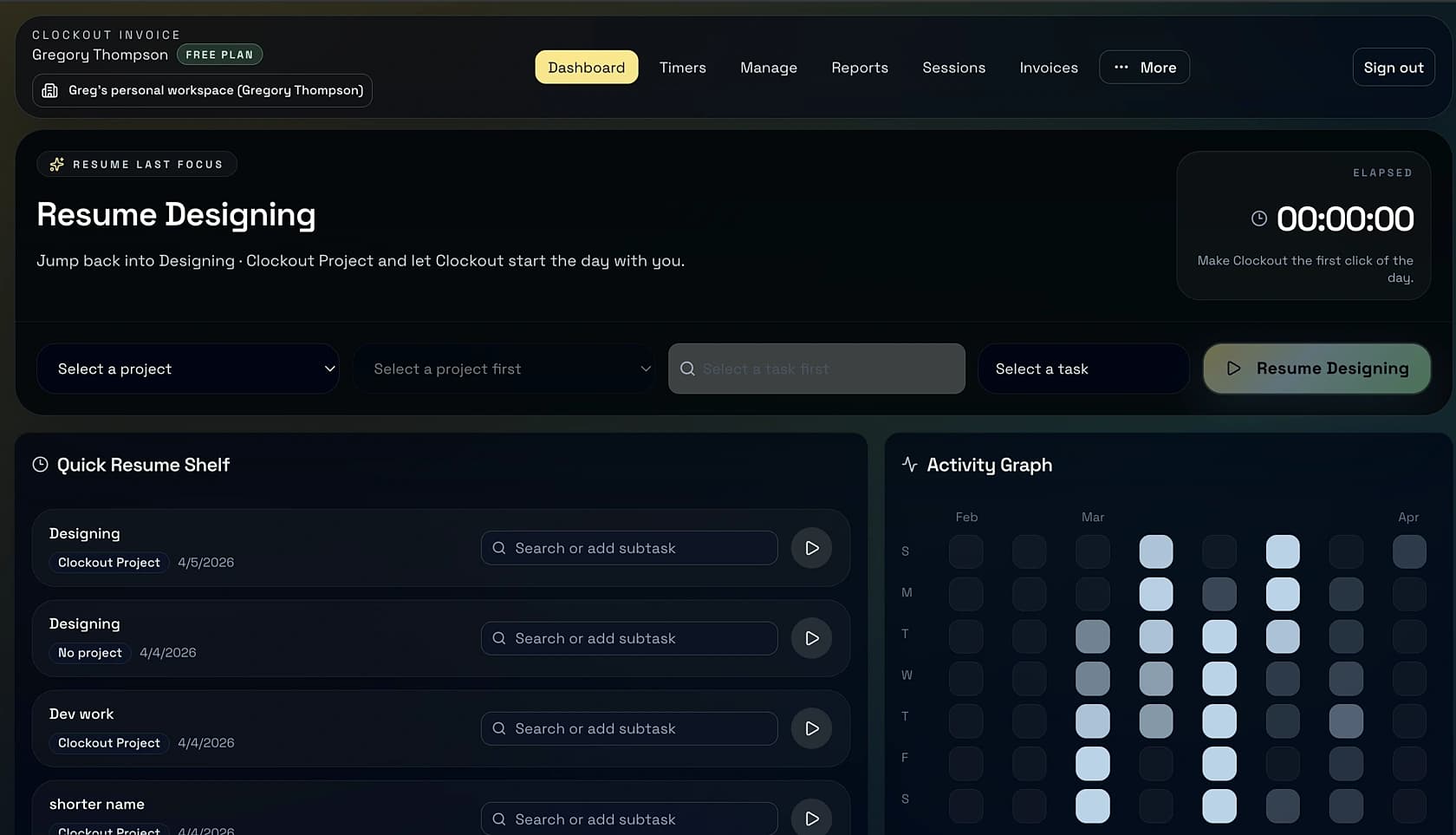
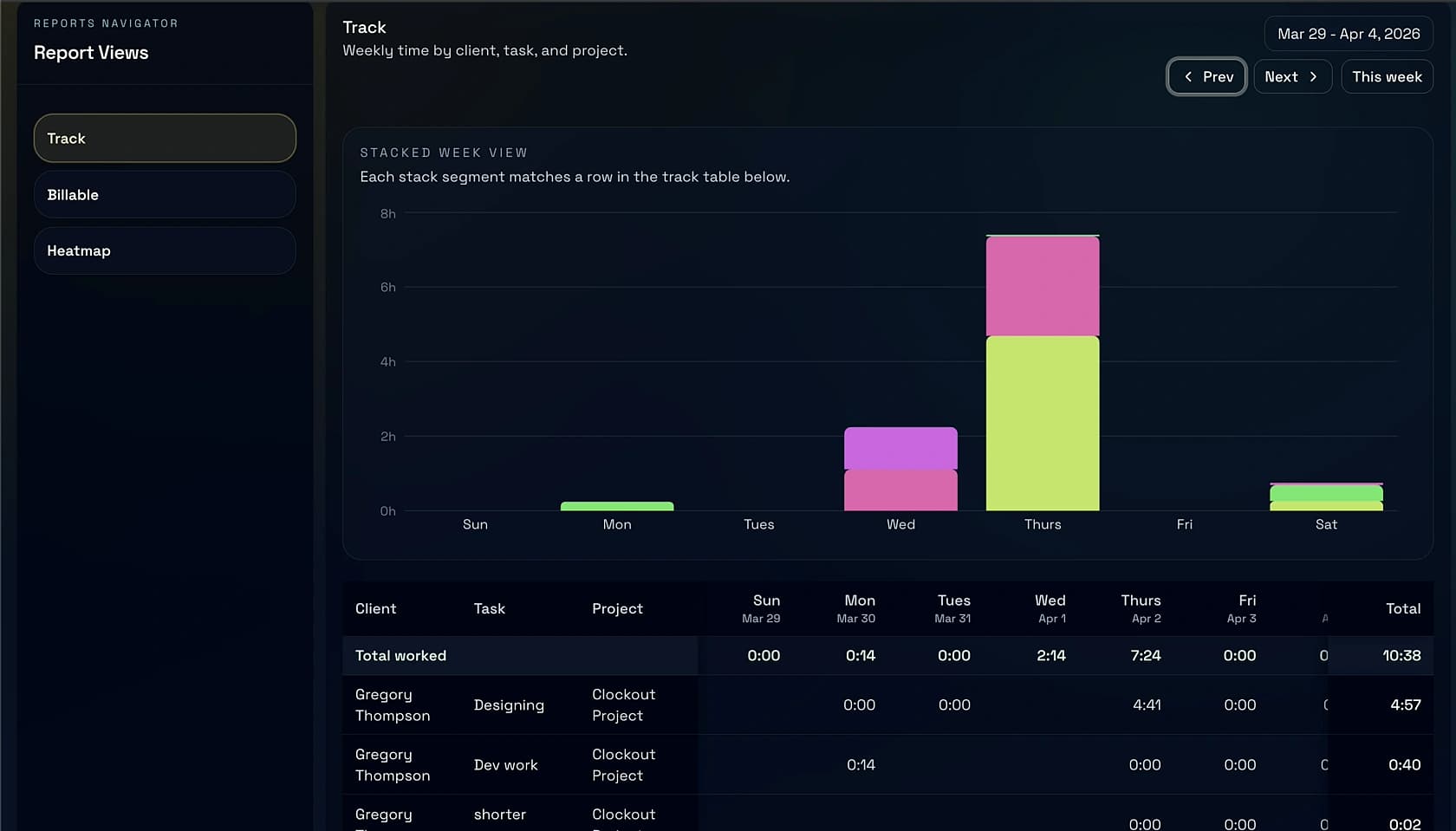
Clockout is organized the way the week actually moves. Monday through Thursday you’re tracking. Friday morning you’re reviewing. Friday afternoon you’re billing. Next week starts with a paid invoice, not a reconstruction. Read what follows in that order — it mirrors how most of our users work.
“If the invoice has to be rebuilt from memory, the timer didn’t do its job.”